When buying a laptop or phone, you see numbers for both memory and storage, and the terms are often mixed up. They do very different jobs, and understanding the difference helps you choose and troubleshoot a device.
Key takeaways
- RAM is fast, temporary working memory that the processor uses while programs run.
- Storage keeps files and apps long term, even when the power is off.
- More RAM helps a device handle many tasks at once.
- More storage gives you room for photos, music, games and documents.
- Solid state drives are much faster than traditional hard drives.
An analogy with a desk
Think of RAM as the desk you work on and storage as the filing cabinet. The cabinet holds everything you own, but you take out the documents you need and spread them on the desk to work on them. A bigger desk lets you have more papers open at once. A bigger cabinet lets you keep more papers overall.
What RAM does
RAM stands for random access memory. When you open an app, the system loads the necessary parts from storage into RAM, where the processor can read and write them very quickly. RAM is volatile, which means it loses its contents when power is lost. That is why unsaved work disappears if a computer suddenly shuts down.
What storage does
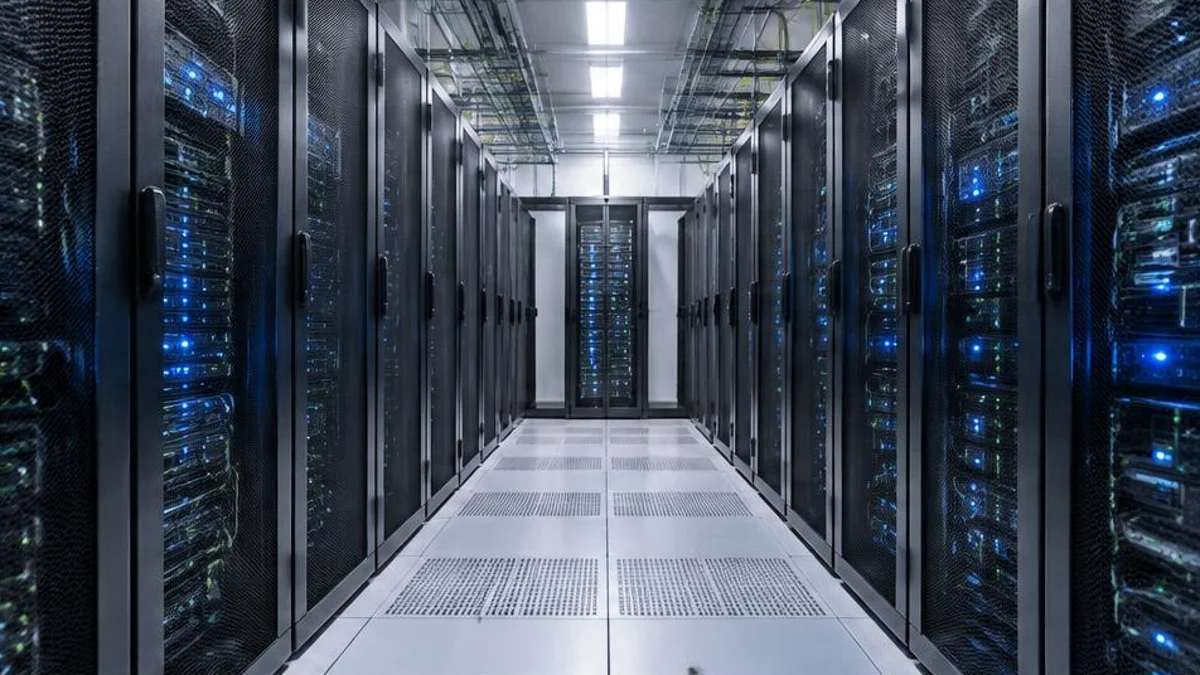
Storage holds data persistently. It keeps the operating system, installed programs and your files so they are there the next time you switch on. Storage comes in a few main forms. Hard disk drives store data on spinning magnetic platters and are cheap per gigabyte but slower and more fragile. Solid state drives store data in flash memory chips with no moving parts, making them faster and more durable. Phones and many modern laptops use flash storage.
Speed and capacity
RAM is far faster than storage but typically much smaller and more expensive per gigabyte. A laptop might have 8 or 16 gigabytes of RAM and 256 gigabytes or more of storage. A fast solid state drive speeds up start-up and loading, while a slow drive can make everything feel sluggish.
When RAM runs out
If programs need more memory than is available, the system may use part of the storage as extra space, called virtual memory or swap. Because storage is slower, the device can become noticeably slow. Closing unused apps and browser tabs can help, and adding RAM, where it is possible, may speed up a machine that often runs low.
When storage runs out
A full drive can prevent updates, new photos or new apps. Deleting unneeded files, moving data to external drives or cloud services, and clearing caches can free space. Keeping a backup of important files is wise whatever size of storage you have.
Choosing sensibly
For everyday browsing and documents, a modest amount of RAM is usually enough. Video editing, large spreadsheets and gaming benefit from more. Check what is soldered in and what can be upgraded before buying.
Types of storage in more detail
There are three main kinds of storage in everyday devices. Hard disk drives use spinning platters and moving heads. They are cheap per gigabyte and good for large archives, but they are slow to start, noisy and sensitive to shocks. SATA solid state drives use flash memory with no moving parts and are several times faster in everyday use. NVMe solid state drives connect more directly to the processor and can be many times faster again, which helps with large file transfers and loading big projects. As a rough scale, a hard drive may read data at around a hundred to two hundred megabytes per second, a SATA SSD at about five hundred, and a modern NVMe drive at several thousand.
The memory hierarchy
Computers use several layers of memory, trading speed against cost and size. At the top are tiny, extremely fast caches built into the processor, which hold the data it is about to use. Below them sits RAM, much larger but slower. Beneath that is storage, larger again and slower still, and beyond that sits cloud storage reached over the network. Each layer holds a copy of what is most useful from the layer below. This design lets a computer feel fast even though most of its data lives on relatively slow storage.
How much do you really need?
Needs depend on how you use a device. For web browsing, email, documents and streaming, 8 gigabytes of RAM is often adequate, while 16 gigabytes gives more room for many browser tabs and several apps at once. Creative work such as video editing, large datasets or heavy gaming can benefit from 32 gigabytes or more. For storage, 256 gigabytes can suffice if most files are in the cloud, while 512 gigabytes to 1 terabyte is comfortable for photos, music and games. Leaving some free space on a drive, often suggested as around ten to twenty percent, helps it work smoothly.
Phones and shared memory
Phones have both RAM and storage too, often between 4 and 12 gigabytes of RAM. The operating system quickly suspends apps you are not using and may reload them when you return, which is why an app sometimes restarts from the beginning. Some modern chips share one pool of memory between the processor and graphics unit, which can make better use of the available RAM.
Troubleshooting a slow computer
If a computer feels slow, check how much RAM and storage are in use through the task manager or activity monitor. Close programs you are not using, disable unneeded start-up apps, and check that the drive is not nearly full. Scan for malware, install updates, and consider a solid state drive if you still have a hard drive, because that single change often makes the biggest difference.
Frequently asked questions
Does restarting clear RAM?
Yes. Restarting empties RAM and reloads the system, which can fix some slowdowns.
Is cloud storage the same as a hard drive?
It is storage kept on remote servers that you access over the internet.
Is memory the same as RAM?
In everyday language, "memory" usually means RAM, but some phone listings use it loosely for storage, so read the specifications.
Can I add more RAM to my laptop?
It depends on the model. Many older laptops have slots for extra memory, but many newer thin laptops have RAM soldered to the board and it cannot be upgraded. Check your model's specifications before buying.
Does more storage make my computer faster?
Not directly. Extra capacity gives you more room, but speed depends on the type of drive and how full it is. A nearly full drive can slow down, and moving from a hard drive to an SSD makes a bigger difference than adding capacity.
How long do SSDs and hard drives last?
Both can last many years, but they fail in different ways. Hard drives have moving parts that wear, while SSDs have a limited number of write cycles, though typical users rarely reach the limit. Backups matter for either type.
Sources and further reading

Written by
FactNest Editorial Team
FactNest is operated by Muonix. The FactNest Editorial Team publishes general-interest explainers with AI-assisted drafting and illustrations. Contact contact@muonix.co for questions or corrections; we respond within 2 business days.
More from this author →