When your phone loads a page over Wi-Fi, it is not reaching the internet directly. It is talking by radio to a small device in your home, and that device is passing your request along a cable to the wider internet. Understanding that split explains why Wi-Fi can feel slow even when your internet plan is fast, why a router in the wrong corner can ruin a video call, and why "Wi-Fi" and "internet" are not the same thing.
Key takeaways
- Wi-Fi is a local wireless network technology based on the IEEE 802.11 family of standards. It is not the internet itself.
- Devices on Wi-Fi exchange data in small packets by radio with an access point, which is often built into a router.
- A modem, a router and an access point do different jobs, although many home devices combine all three.
- Wi-Fi uses several radio bands, commonly 2.4 GHz, 5 GHz and, on newer equipment, 6 GHz. Each has trade-offs between range and speed.
- Walls, distance, interference and shared channels reduce real-world speed far below the advertised maximum.
- When something is slow, it helps to work out whether the problem is the local Wi-Fi connection or the connection to your internet provider.
Wi-Fi is a local network, not the internet
Wi-Fi is a way of building a local area network (LAN) without cables. Devices in your home, such as phones, laptops, printers and smart speakers, can talk to each other over Wi-Fi even if your internet service is switched off. You can print to a wireless printer or stream a video from a computer in another room with no internet connection at all, because that traffic stays inside your home network.
The internet is a separate, much larger network of networks. Your home network connects to it through an internet service provider (ISP). Wi-Fi covers the last few metres between your device and your router. Everything beyond the router travels over wired or fibre connections.
The devices involved
People often use "modem," "router" and "access point" as if they were the same thing. They have different roles:
- Modem: connects your home to your ISP's network. It translates between the signal your ISP uses (over fibre, cable or phone line) and a standard network connection.
- Router: directs data between your home network and the internet, and between devices on your home network. It also usually hands out local addresses to your devices.
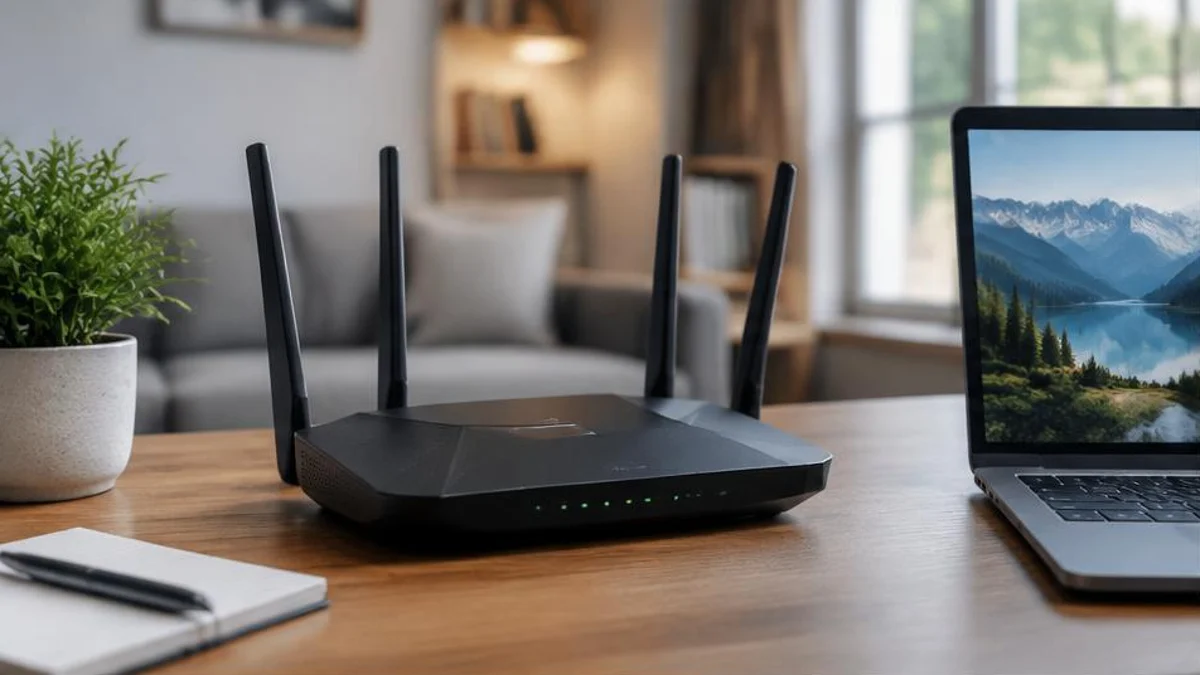
- Access point: provides the wireless connection. It turns wired network data into radio signals and back again.
Most home equipment from an ISP is a combined box that does all three jobs, which is why people tend to call it "the router" or "the Wi-Fi." In larger homes, people sometimes add extra access points to extend coverage, and in that case the roles become separate again.
How data moves by radio
Information sent over Wi-Fi is split into small chunks called packets. Each packet carries a piece of your data plus addressing information, so it can reach the right device. Your device and the access point exchange packets using radio waves, and the standard defines how the radio signal is encoded, how devices take turns, and how errors are detected and corrected.
Radio is a shared medium. Unlike a cable that belongs to one device, the airspace around your home is shared by every device that uses the same channel nearby. To avoid talking over each other, Wi-Fi devices follow rules for listening before they transmit and waiting if the channel is busy. In practice, devices on the same channel take turns, so a busy channel means each device gets a smaller share of the available time.
The radio bands: 2.4, 5 and 6 GHz
Wi-Fi operates in several frequency bands. Which ones you can use depends on your devices and on the rules in your country.
- 2.4 GHz: longer range and better at passing through walls, but slower and more crowded. Many other household devices, such as microwave ovens and some Bluetooth equipment, use nearby frequencies, which can add interference.
- 5 GHz: generally faster and less crowded, but the signal weakens more quickly with distance and obstacles.
- 6 GHz: available on newer Wi-Fi equipment in many regions. It offers more channels and less congestion, with short range similar to or shorter than 5 GHz.
A common confusion is that "5 GHz" means "5G." These are unrelated. 5 GHz is a Wi-Fi radio band, while 5G is a generation of mobile phone network technology.
Why advertised speeds are not what you get
The speed printed on a router box is a theoretical maximum under ideal conditions. Real-world throughput is lower for several reasons:
- Distance and obstacles: concrete, brick, metal and water absorb or reflect radio signals. A router several rooms away will deliver much less than one in the same room.
- Interference and crowded channels: neighbouring networks on the same channel compete for airtime.
- Sharing: the access point's capacity is divided among all active devices.
- Overhead: part of the radio capacity is used for coordination and error checking, not your data.
- Your internet connection: even a perfect Wi-Fi link cannot carry data faster than your ISP connection delivers it.
That last point matters a lot. If your plan delivers 100 Mbps to your home, a Wi-Fi network capable of 1,000 Mbps cannot make your internet any faster than 100 Mbps for websites and streaming.
What a mesh system does
Large or awkwardly shaped homes can have weak spots. A mesh Wi-Fi system uses several access points that work together under one network name. Devices connect to whichever point has the best signal. The units must talk to each other as well, which is called backhaul. If the backhaul runs over the same radio channel your devices use, some capacity is spent on that link, so mesh is not an unlimited speed boost. Connecting units with network cables where possible gives the best results.
A simple way to find the cause of slow Wi-Fi
Because Wi-Fi and the internet are separate links, a useful first step is to find out which one is the problem:
- Test close to the router. If speeds are good beside the router but poor elsewhere, the problem is probably range or obstacles.
- Compare a wired and a wireless device. If a computer plugged in by cable is also slow, the limit is likely upstream, at your ISP or the service you are using.
- Check whether only one device is affected. If so, the issue may be that device, not the network.
- Consider the time of day. Slowdowns at busy hours can point to congestion on your ISP's side or in your neighbourhood's channels.
- Restart the equipment. It is a basic step, but it clears many temporary faults.
Moving the router to a central, open, raised position away from thick walls and other electronics often improves coverage more than people expect.
Frequently asked questions
Is Wi-Fi the same as the internet?
No. Wi-Fi is a wireless local network. The internet is the global network your home connects to through an ISP. Wi-Fi can work without internet access.
Why does my Wi-Fi get slower in some rooms?
Distance and obstacles weaken the signal. Walls made of concrete, brick or metal, as well as large water-filled objects, absorb radio waves. A weaker signal forces devices to use slower settings.
Does a newer Wi-Fi standard make my internet faster?
Not by itself. A newer standard can improve the speed and reliability of the wireless link inside your home, but your internet speed is still limited by your ISP plan.
Are 5 GHz and 5G the same?
No. 5 GHz is a Wi-Fi radio band. 5G is a generation of mobile network technology.
Do I need a mesh system?
Only if one router cannot cover your home well. For a small flat or house, repositioning a single router often solves the problem.
Sources and further reading
- The evolution of Wi-Fi technology and standards (IEEE)
- Exploring communications technology (The Open University)
Related reading on FactNest: How the internet actually works and How GPS works.

Written by
FactNest Editorial Team
FactNest is operated by Muonix. The FactNest Editorial Team publishes general-interest explainers with AI-assisted drafting and illustrations. Contact contact@muonix.co for questions or corrections; we respond within 2 business days.
More from this author →