Press play on a film and it begins within seconds, even though the file may be many gigabytes. Streaming works by delivering video in small pieces just before you need them, adjusting to your connection as you watch.
Key takeaways
- Video is compressed with codecs to make files far smaller.
- Streams are split into short segments sent over standard web connections.
- Adaptive bitrate streaming switches quality to match your speed.
- Content delivery networks keep copies of popular videos near viewers.
- Buffering happens when the next segment does not arrive in time.
Compressing video
Raw video is huge. A single hour could take hundreds of gigabytes. To make streaming practical, services compress the video with a codec, short for coder-decoder, such as H.264, HEVC or AV1. Codecs remove information people are unlikely to notice, such as repeated detail between frames, and encode only the changes. Newer codecs can reach the same quality at lower data rates, but they need more processing power to encode and decode.
Making several versions
A service typically encodes each video many times at different resolutions and bitrates, from a small, low-quality version for slow connections up to high-definition versions. Each version is cut into short segments, often a few seconds long, with a playlist file listing where to find them.
Adaptive streaming
Your player downloads the playlist and requests segments one by one. It measures how quickly each arrives and picks the best version it expects will play without interruption. If your connection slows, it switches to a lower quality for the next segments, and when conditions improve, it steps back up. Common technologies include HLS and MPEG-DASH. This is why quality may briefly dip but playback continues.
The role of buffering
The player downloads a few segments ahead and stores them in a buffer. This reserve smooths out small speed changes. If the buffer empties because segments arrive too slowly, playback pauses, which viewers experience as buffering.
Content delivery networks
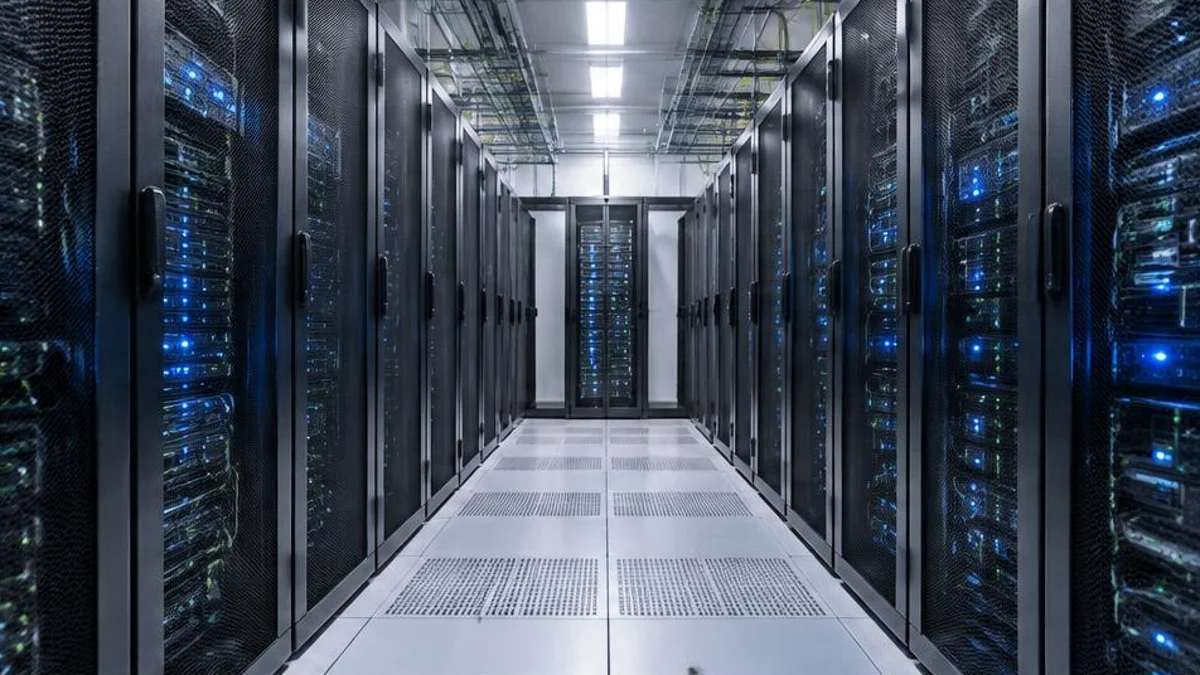
Serving every viewer from one central location would be slow and expensive. Content delivery networks, CDNs, place servers in many cities and inside internet providers' networks. Popular videos are cached on these servers, so your request is answered by a nearby machine, reducing delay and load on the wider internet.
Live streaming
Live events use the same ideas, but the video is encoded and segmented as it happens. Services often accept a small delay of several seconds so that the system can keep a buffer and avoid interruptions.
Digital rights management
Many services protect films with digital rights management, which encrypts the content and releases keys only to authorised players. That is why some content cannot be played on certain devices or captured easily.
Improving your experience
A wired connection or a good Wi-Fi signal, limiting other heavy downloads and choosing a lower quality setting if data use is a concern can all help.
Resolution, frame rate and bitrate
Three numbers describe most video quality. Resolution is the number of pixels, for example standard definition at roughly 480 lines, high definition at 720 or 1080 lines, and 4K at 2160 lines. Frame rate is how many pictures are shown per second, commonly 24 for films, 30 for television and 60 for fast sport or gaming. Bitrate is the amount of data used per second. A higher bitrate usually means a cleaner image, but only if the resolution and codec can use it. A well-compressed 1080p stream can look better than a poorly compressed 4K one.
Latency and live streaming
Live streams add a challenge: delay. Standard streaming technologies such as HLS and MPEG-DASH collect several segments before playing, so live events may arrive many seconds behind real life. Newer low-latency versions shorten the segments to reduce the delay to a few seconds. For video calls and interactive uses, systems such as WebRTC aim for well under a second, trading some picture quality and reliability for speed.
How much data does streaming use?
Data use depends on quality and the service. As a rough guide, standard definition might use under one gigabyte an hour, high definition several gigabytes, and 4K considerably more. Many services let you choose a data-saving setting, and downloading episodes over Wi-Fi for later viewing avoids mobile data. If your plan has a monthly cap, check the settings on each app, because many default to the highest quality available.
Why streaming sometimes fails
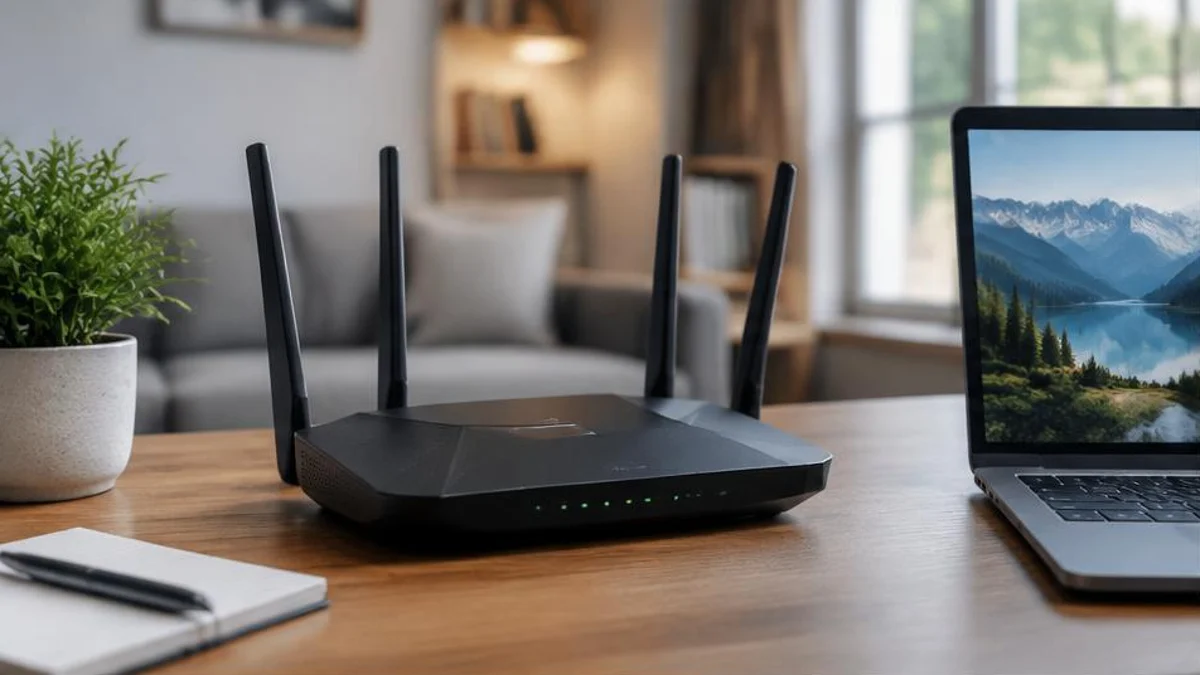
Buffering and blurry pictures usually come from a bottleneck somewhere along the path. At home, the Wi-Fi signal may be weak or shared with many devices. Your internet provider's network may be congested in the evening. The service itself may have a problem or the server nearest you may be busy. Simple steps can help: move closer to the router, use a wired connection, pause other downloads, restart the router or lower the stream quality.
Recommendations and privacy
Most services use algorithms to suggest what to watch next, based on your viewing history and what similar viewers enjoyed. These systems can be useful, but they also shape what you see, and the data about your viewing is valuable to companies. Settings on most platforms let you review or clear history and control personalised suggestions.
Frequently asked questions
Why does quality drop sometimes?
The player may have detected slower network speeds and switched to a lower-quality version to avoid pauses.
Does streaming use a lot of data?
High-definition and 4K video use much more data than standard definition, so check your plan.
Why is live streaming delayed?
A short delay lets systems process and buffer video reliably.
What internet speed do I need for streaming?
Services often suggest around 5 megabits per second for high definition and about 25 megabits per second for 4K for one stream. If several people stream at once, add up the needs. Reliability and low congestion matter as much as headline speed.
Why does the picture sometimes look blocky?
Blockiness, called compression artefacts, appears when the bitrate is too low for the scene, especially in fast action or dark scenes. The player may have dropped to a lower quality because your connection slowed.
Is streaming bad for the environment?
Streaming uses electricity in data centres, networks and your own devices. Estimates of its footprint vary, and the impact depends on how clean the electricity is. Watching on smaller screens and at lower quality when it does not matter reduces the energy used.
Sources and further reading

Written by
FactNest Editorial Team
FactNest is operated by Muonix. The FactNest Editorial Team publishes general-interest explainers with AI-assisted drafting and illustrations. Contact contact@muonix.co for questions or corrections; we respond within 2 business days.
More from this author →