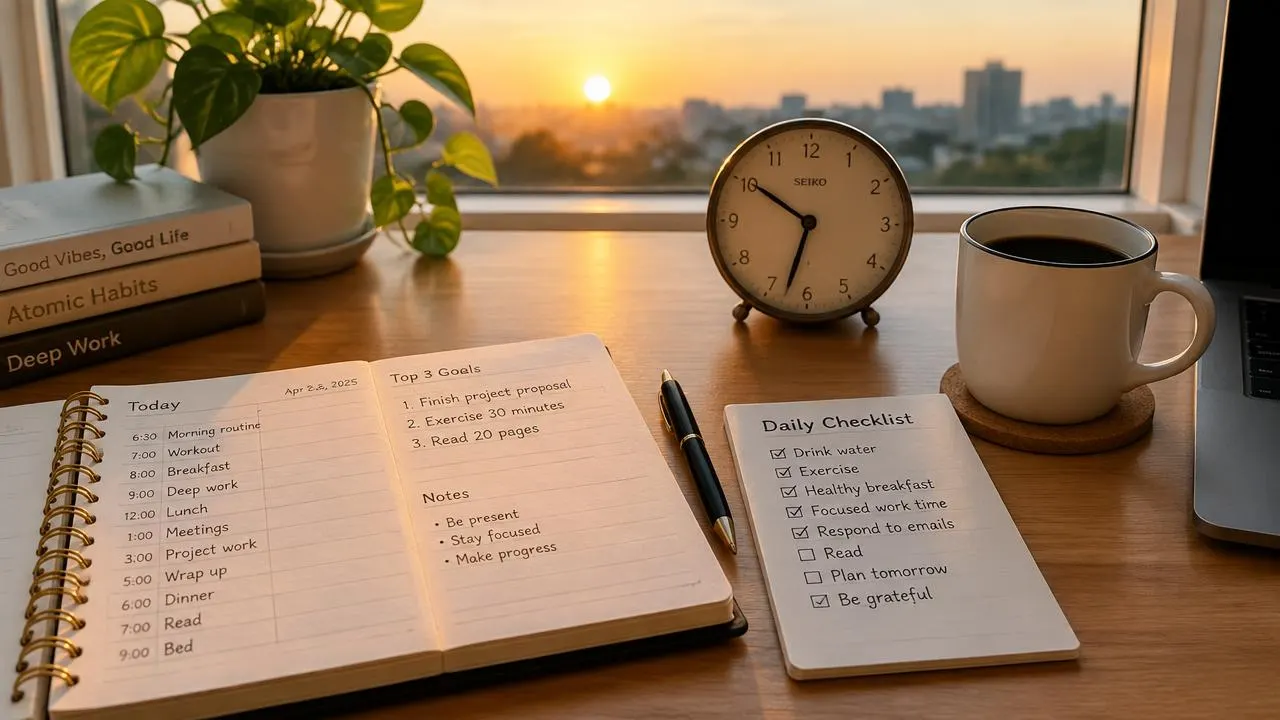
Productivity is not the same as filling every minute. A useful day moves important work forward while leaving enough capacity for interruptions, recovery, and life outside your task list.
The most effective improvements are often ordinary: clarify the next action, reduce unnecessary switching, make realistic commitments, and notice what repeatedly gets in the way. You do not need an elaborate application or a perfectly controlled morning to begin.
Key takeaways
- Define productivity by useful outcomes, not the number of tasks checked off.
- Plan around real capacity, including meetings, caregiving, and unpredictable work.
- Protect attention where possible, but keep essential communication channels available.
- Review your system regularly instead of treating one difficult day as personal failure.
Decide what a productive day means
Before choosing a technique, identify what matters in your role. For a student, progress might mean understanding a difficult concept. For a support worker, it might mean resolving urgent cases accurately. For a parent, it might include completing essential administration without sacrificing necessary care.
These outcomes require different schedules. A rigid, interruption-free timetable may suit a writer for part of the day but fail completely for someone responsible for emergency requests.
Choose one meaningful result for the day and a small number of supporting commitments. “Prepare the three figures needed for tomorrow’s discussion” is more useful than “be productive” because you can recognize completion.
Also identify what can wait. A plan that names priorities but excludes nothing does not help when demands compete.
Capture tasks before organizing them
Loose commitments create repeated mental work. You remember an appointment while drafting an email, then remember an invoice while making dinner. A simple capture system gives those thoughts somewhere dependable to go.
Use one notebook, task application, or document as your main inbox. Capture the obligation quickly, then return to the current activity. You can organize it during a short review rather than interrupting yourself to build a perfect category system.
Separate tasks from reference material. A receipt is information; “submit reimbursement request by Thursday” is an action. A useful task entry includes the action, relevant deadline, and enough context to restart without searching through several conversations.
Avoid making every captured idea an immediate commitment. Some belong on a later list, and some can be discarded.
Turn vague projects into visible next actions
“Sort out finances” is too large to begin comfortably. “Download last month’s bank statement” is concrete. Once that is done, the next step becomes easier to identify.
For each important project, write:
- The result you are trying to achieve.
- The next action that moves it forward.
- Any information or decision currently blocking it.
- A deadline, if one genuinely exists.
Imagine preparing a presentation. The project is not one task. It might involve agreeing on the audience, selecting three findings, checking the numbers, drafting slides, and rehearsing. Breaking it down exposes dependencies before the evening before delivery.
Keep the breakdown proportionate. A five-minute household task does not need a project charter.
Plan for the time you actually have
Begin with fixed commitments: meetings, appointments, travel, meals, and caring responsibilities. Then estimate the usable time remaining.
Do not assign eight hours of concentrated work to a day containing four hours of meetings. Allow room for transitions and the unexpected. The right amount of slack depends on how predictable your work is; there is no universal percentage.
Time blocking can help by reserving a period for a category of work. For example, use an available morning block to draft a report and a later block to process routine administration. The calendar is a guide, not proof that reality must cooperate.
When a new urgent request arrives, make the trade-off explicit. Ask, “Should this replace the report draft or the scheduled review?” That is more honest than silently accepting incompatible deadlines.
Reduce switching without disappearing
Moving repeatedly between demanding tasks has a cost. The American Psychological Association summarizes research showing that switching can slow performance, and that preparation reduces but does not necessarily eliminate the cost. source
You do not need to eliminate all interruptions. Instead, identify the ones you can control. Silence promotional notifications, close irrelevant tabs, and place your phone out of reach during a demanding task if your responsibilities allow it.
Batch routine messages into sensible checking periods, but agree on an urgent channel when other people depend on you. A customer-service worker may need regular responsiveness; a researcher may be able to protect longer blocks.
When an interruption is unavoidable, leave a restart note: “Next: verify the revenue figure in table two.” This reduces the effort of reconstructing your place later.
Use work intervals as an experiment
A timer can make an intimidating task feel manageable. Choose a short period, define one action, and work until the interval ends. Then decide whether to continue, pause, or adjust.
Twenty-five minutes is popular, but it is not a biological law. Some tasks need a longer runway; some days require shorter sessions. Someone managing fatigue may benefit from different pacing than someone doing uninterrupted analytical work.
Use breaks to change what you are asking of yourself. Stand up, look away from the screen, get water, or move briefly if appropriate. Replacing focused work with a frantic stream of notifications may not feel restorative.
Judge intervals by whether they help you start and sustain useful work, not by how faithfully you follow a branded method.
Make repeated work easier
Recurring tasks are good candidates for checklists, templates, and carefully chosen automation. A meeting-agenda template can prevent repeatedly reconstructing the same headings. A packing checklist can reduce forgotten essentials.
Start with a task you perform frequently and understand well. Write the reliable sequence, remove unnecessary steps, and only then consider automating it.
For example, a monthly reporting checklist might include collecting figures, checking unusual changes, confirming totals, and sending the report to named recipients. Automating delivery before validating the figures simply distributes mistakes faster.
Treat AI-generated drafts as drafts. Remove confidential information unless the tool is approved for it, and review names, numbers, commitments, and tone. Count the review time when deciding whether the tool actually saves effort.
Protect the conditions that make attention possible
Sleep, health, and recovery are not rewards you earn after finishing every task. They affect your capacity to do the work.
The CDC recommends at least seven hours of sleep for adults aged 18–60, with different recommendations for older age groups. It also notes benefits for attention and memory. Individual needs and health circumstances vary. source
Build a routine that is realistic for your situation rather than copying someone else’s early wake-up time. If persistent sleep problems, exhaustion, or concentration difficulties interfere with daily life, seek appropriate professional advice.
Sometimes the obstacle is structural: inadequate staffing, inaccessible systems, unstable schedules, or excessive workload. Better personal organization can help, but it cannot make unlimited demands sustainable.
Review results without turning them into a scorecard
At the end of the day, ask three questions: What moved forward? What blocked progress? What should change tomorrow?
Track outcomes that matter. A writer might record whether a section is ready for review, not merely hours at a keyboard. A support team might examine resolution quality alongside volume.
Once a week, remove stale tasks, update deadlines, and identify recurring friction. If the same task is repeatedly postponed, check whether it is unclear, too large, low-value, emotionally difficult, or waiting on someone else.
A useful system should reduce administrative effort. If maintaining it consumes more attention than it returns, simplify it.
Frequently asked questions
What is the best productivity application?
The best option is one you can maintain consistently. A notebook and calendar can work well. Choose software only when it solves a specific coordination or retrieval problem.
How do I stay productive with frequent interruptions?
Use shorter tasks, leave restart notes, and reserve limited protected periods where possible. Coordinate expectations with others instead of assuming you can stop responding entirely.
Should I complete the hardest task first?
Sometimes. Match demanding work to a period when you have sufficient attention and access to needed information. Urgency, dependencies, and personal energy also matter.
What if I keep failing to finish my list?
Reduce the list and compare planned work with actual available time. Repeated overload is information about capacity or task estimates, not automatic evidence of poor discipline.
What to remember
Daily productivity improves when priorities, tasks, and capacity match. Start with one meaningful outcome, define its next action, and protect enough attention to attempt it. Use the official research and health resources above for further reading, then adapt your routine to real responsibilities rather than an imaginary perfect day.

Written by
FactNest Editorial Team
FactNest is operated by Muonix. The FactNest Editorial Team publishes general-interest explainers with AI-assisted drafting and illustrations. Contact contact@muonix.co for questions or corrections; we respond within 2 business days.
More from this author →